Website and forms
Capture intent from your site, landing pages and campaigns with structured information from the start.
Build. Connect. Automate. We connect the customer journey, team workflow and reporting layer with APIs, webhooks and dependable automation platforms.
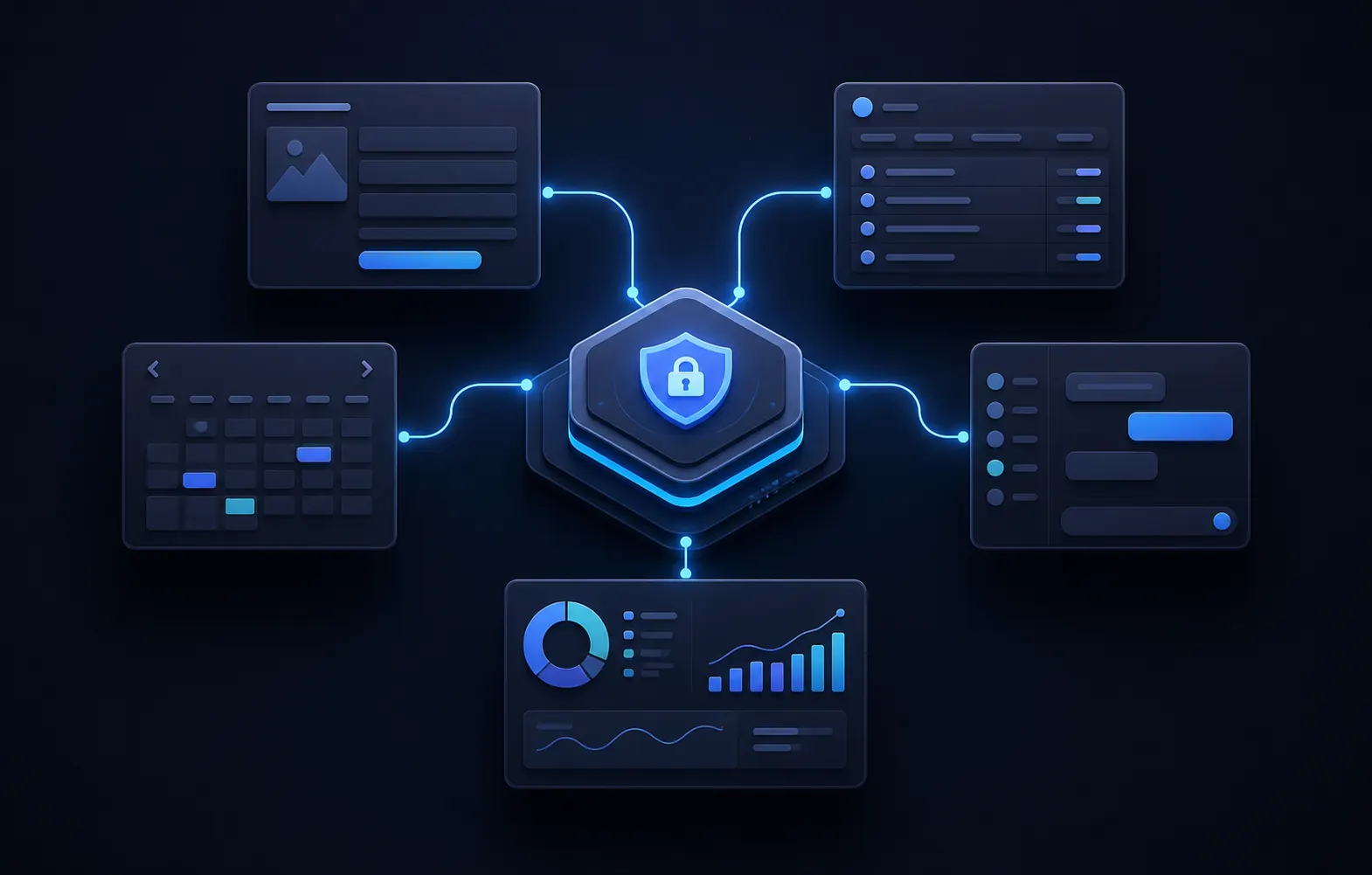
We map where data begins, who needs it next, what needs approval and how performance gets measured. The result is a workflow your team can actually rely on.
Capture intent from your site, landing pages and campaigns with structured information from the start.
Route records, trigger next steps and keep customer context where the team needs it.
Connect appointments, email, SMS and operational reminders without duplicate work.
Use APIs, webhooks and automation to move routine work forward reliably.
Bring operating signals together so decisions are based on the actual workflow.
Document handoffs, permissions and exception paths so the system stays maintainable.
Integration work includes field mapping, authentication boundaries, event rules, duplicate prevention, retry behavior, monitoring and documentation. The objective is dependable information flow, not simply a successful first connection.
Connect website forms, advertising leads, scheduling and communication tools to the correct contact, opportunity and owner in HighLevel, Lawmatics, Clio or another CRM.
Use supported APIs and signed webhooks where available, with validation and idempotency rules that prevent unsafe or duplicated actions.
Normalize agreed data from operational systems into a view that makes ownership, status and exceptions easier to act on.
What makes an integration reliable? A reliable integration validates its inputs, avoids duplicate work, records what happened and tells an accountable person when it cannot complete a step. It also protects credentials and documents which system owns each field.